
Stop Managing Tests
in Spreadsheets.
Testrium gives your QA team a proper test management system — structured cases, live run tracking, JIRA integration, and reports. Self-hosted, Docker-ready, and completely free.
No account. No credit card. Runs on your own infrastructure.

Everything you need
Nine reasons QA teams choose Testrium
Test Case Management
Create and organize test cases with steps, expected results, priorities, and types. Bulk import via Excel or CSV.
Test Run Execution
Execute tests individually or in bulk. Track real-time progress, record results, comments, and execution time.
Bulk Operations
Select multiple executions and update their status in one action. Save hours during large test runs.
JIRA Integration
File bugs directly from failed test executions. Configurable per project with encrypted API token storage.
Reports & Analytics
Generate PDF and Excel reports with charts. Track trends, pass rates, and metrics across projects.
Automation API
RESTful API for Selenium, RestAssured, Playwright and more. Fetch test data and post results programmatically.
Test Data Management
Store environment-specific data (DEV/QA/STAGING/PROD) in KEY_VALUE, JSON, CSV, or XML format.
Role-Based Access
Admin and User roles with project-level permissions. JWT authentication with BCrypt password encryption.
Docker Ready
Single Docker image. Full stack — app and database — with one docker compose up. No setup required.
Simple by design
How it works
Three steps from zero to full test coverage
Organise
Create a project, add test modules to group related features, then write test cases with steps, expected results, and priority. Import existing cases from Excel in seconds.
Execute
Start a test run, work through each case, and log results — Pass, Fail, or Skip — with comments and screenshots. Use bulk actions to update dozens of results at once.
Report
Generate PDF or Excel reports with pass-rate charts and trend metrics. File bugs straight to JIRA from any failed test, and share results with your team instantly.
Made for your whole team
Every role, covered
Whether you write tests, automate them, or manage the team — Testrium fits into your workflow.
QA Engineer
Test faster, track everything.
Write test cases with steps and expected results, execute runs, log Pass/Fail with comments, and file JIRA bugs — all without leaving one screen.
- ✓ Structured test cases
- ✓ Inline execution tracking
- ✓ One-click JIRA bug filing
Automation Engineer
API-first, pipeline-ready.
Fetch test data and push results via REST API. Integrates with Selenium, Playwright, RestAssured, Jenkins, GitHub Actions — any tool in your stack.
- ✓ RESTful Automation API
- ✓ Environment test data (DEV/QA/PROD)
- ✓ CI/CD pipeline compatible
QA Manager
Visibility across every release.
Track real-time pass rates, view trend metrics across multiple test runs, and share polished PDF or Excel reports with stakeholders in one click.
- ✓ Metrics & trend dashboard
- ✓ PDF and Excel reports
- ✓ Role-based team access
See it in action
A look inside Testrium
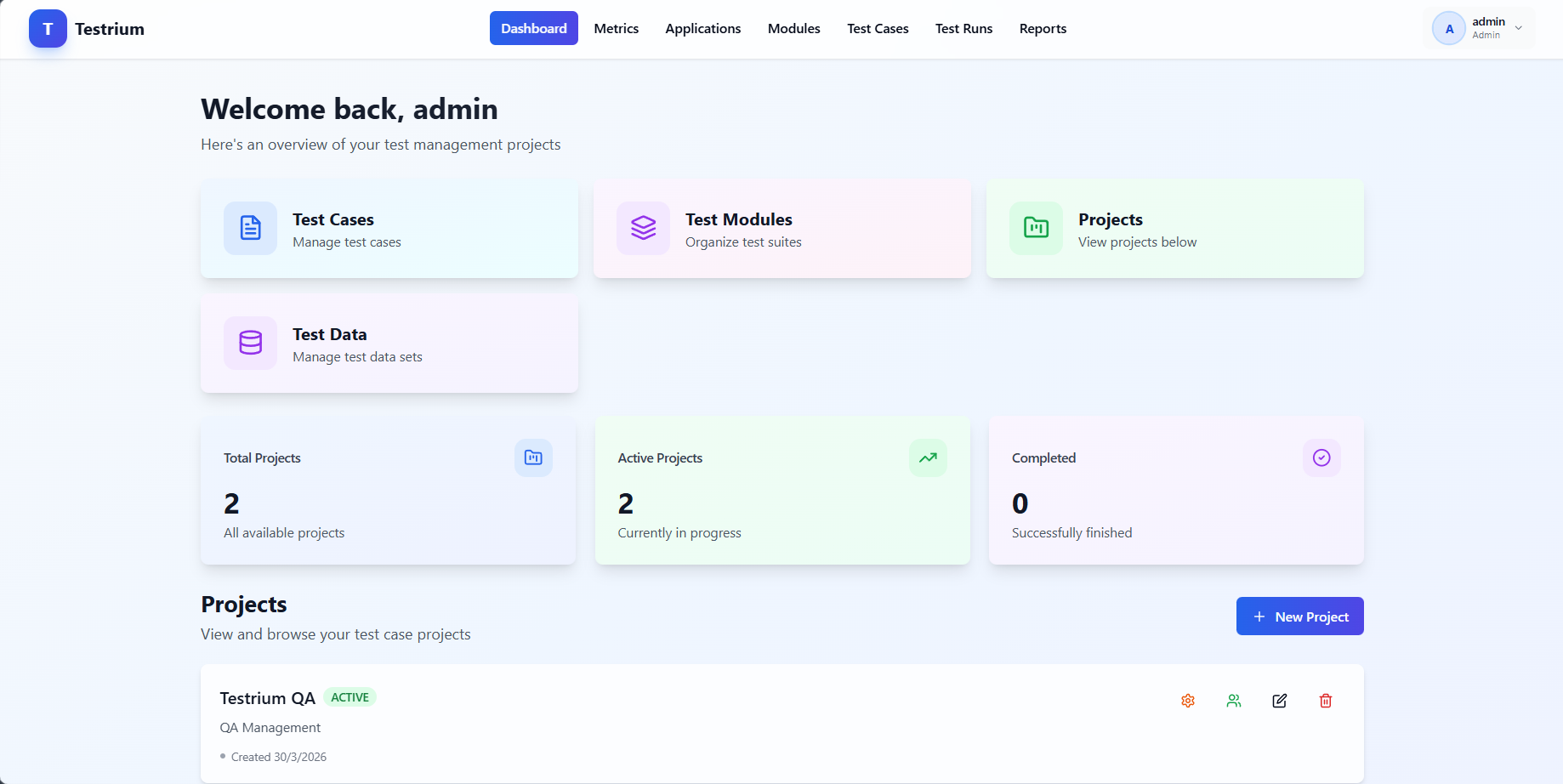
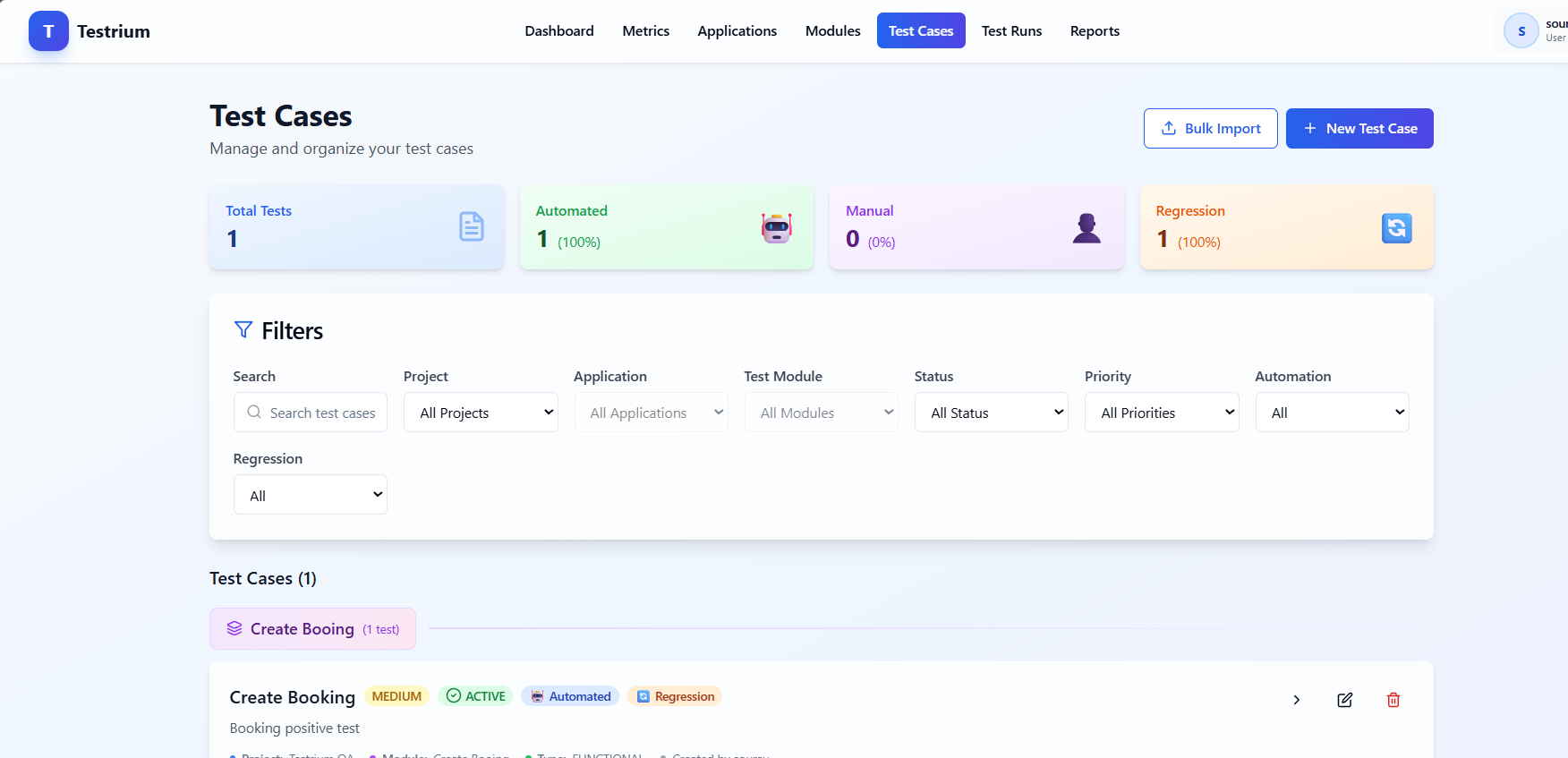
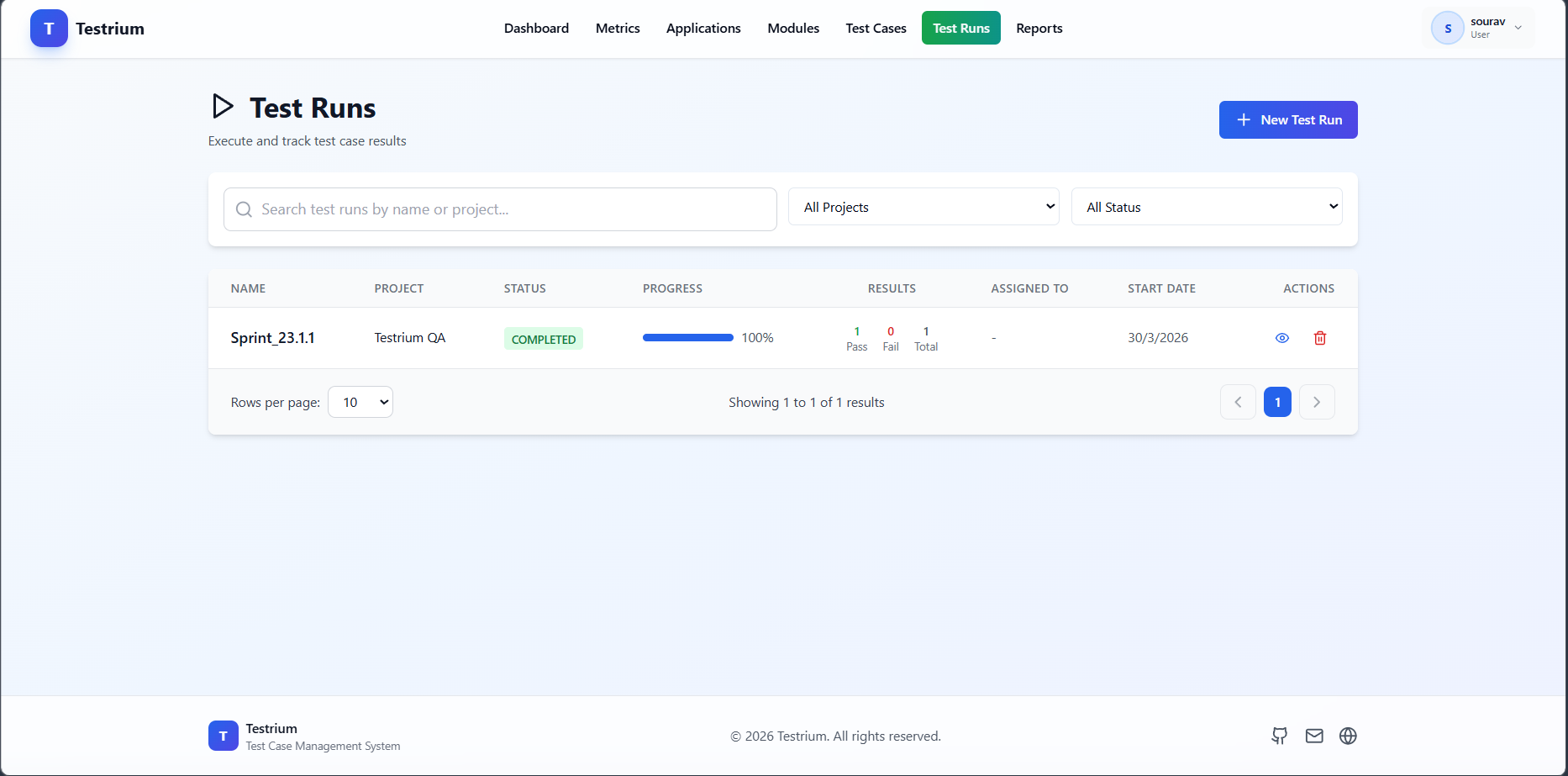
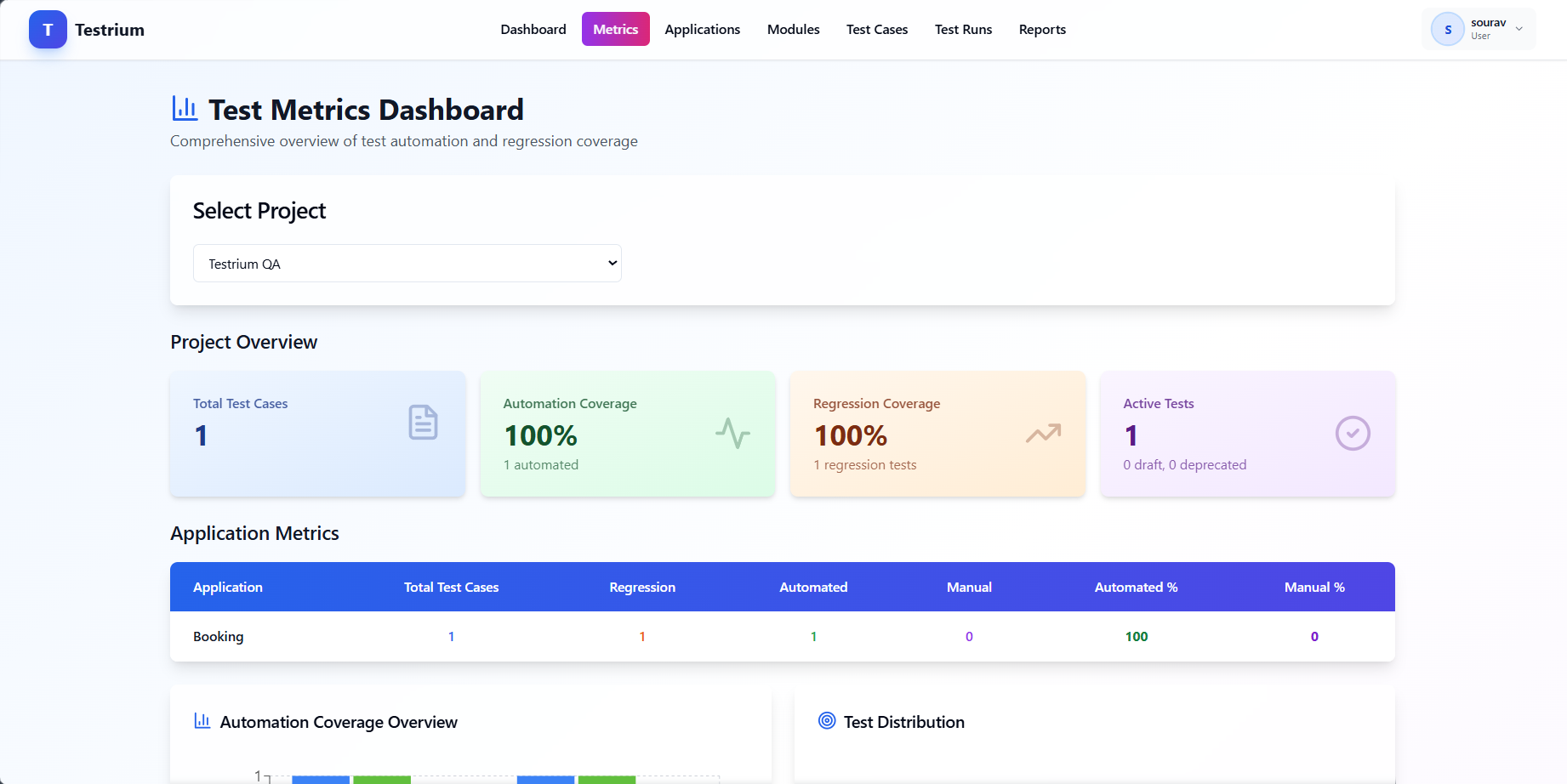
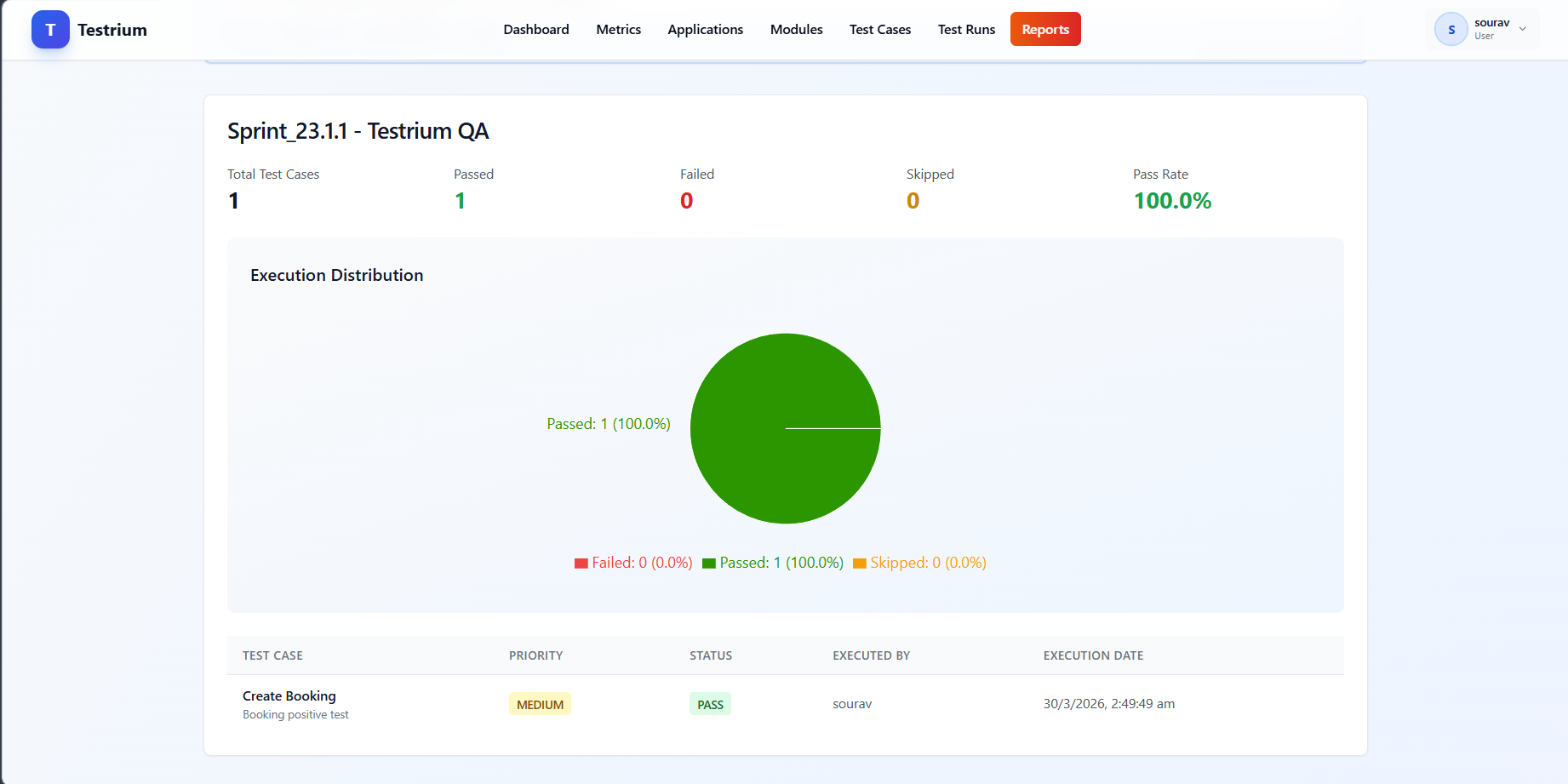
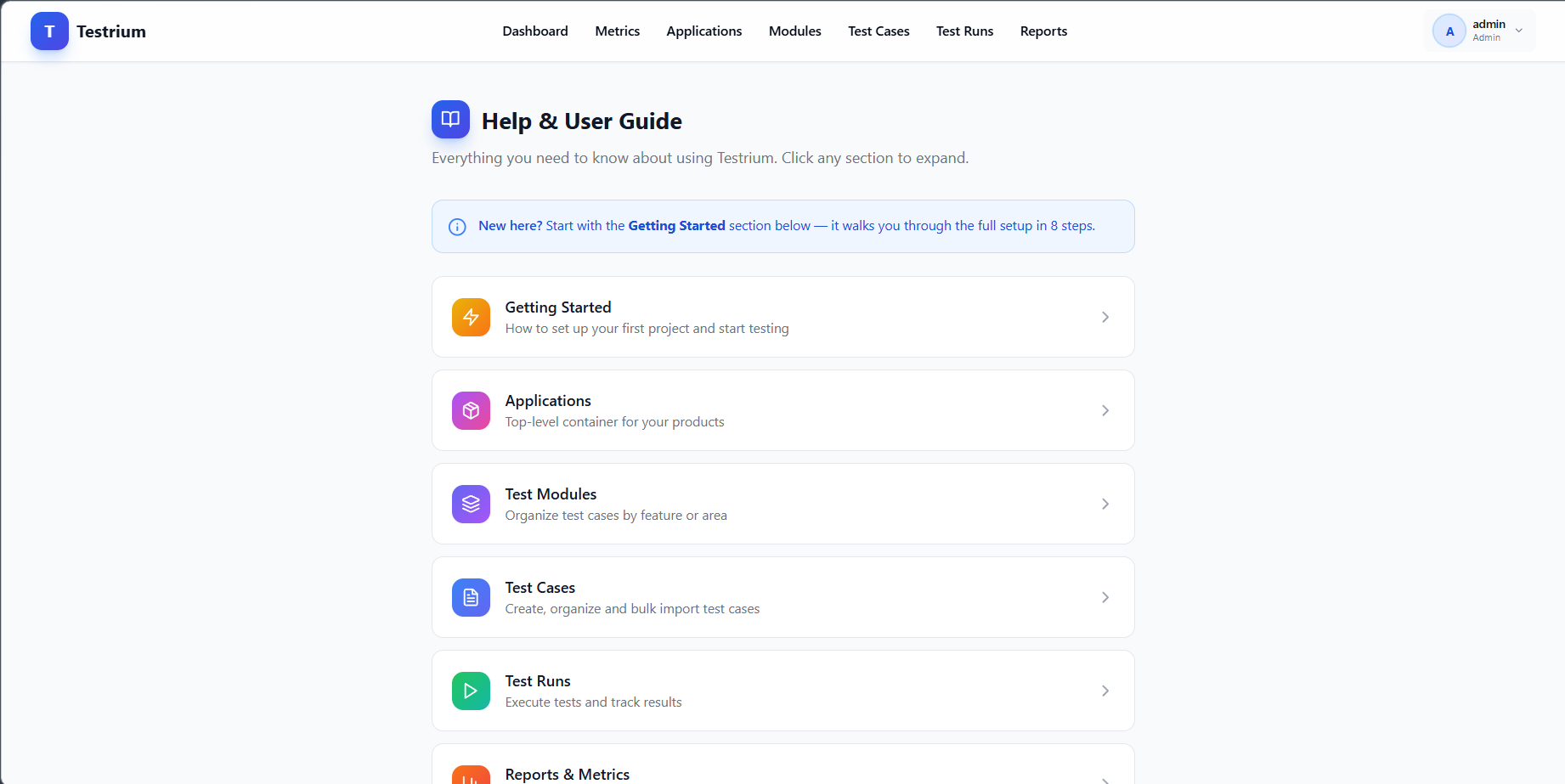
Dashboard
Ready to make the switch?
Most teams are up and running in under 5 minutes.
How does it stack up?
Testrium vs. the market
Packed with the features QA teams need — without the per-seat invoice.
| Testrium | TestRail | Zephyr | Spreadsheets | |
|---|---|---|---|---|
| Free forever | ✓ | ✕ | ✕ | ✓ |
| No seat limits | ✓ | ✕ | ✕ | ✓ |
| Open source | ✓ | ✕ | ✕ | ✕ |
| Self-hosted | ✓ | ✓ | ✕ | ✓ |
| JIRA Integration | ✓ | ✓ | ✓ | ✕ |
| Automation API | ✓ | ✓ | ✓ | ✕ |
| Reports & Charts | ✓ | ✓ | ✓ | ✕ |
| Docker Deploy | ✓ | ✕ | ✕ | ✕ |
* Feature availability based on publicly documented plans as of 2025. TestRail and Zephyr are paid tools with per-user pricing.
Five commands
Up and running in minutes
No account. No credit card. Just Docker.
Common questions
Frequently asked questions
💰 Is Testrium free?
Yes. Testrium is completely free to self-host. There are no per-user fees, no seat limits, and no feature paywalls. You run it on your own infrastructure.
🔓 Is it open source?
Yes. The full source code is on GitHub. You can inspect it, fork it, and contribute to it.
👩💻 Who is it for?
QA Engineers, QA Managers, Automation Engineers, and Development Teams who want structured test management without expensive SaaS tools.
☁️ Do I need cloud infrastructure?
No. Testrium runs anywhere Docker runs — your laptop, a local server, or cloud VMs (AWS, Azure, GCP). One image, one command.
🔒 Is my data safe?
Your data never leaves your infrastructure. No telemetry, no third-party sharing. You own everything.
🔁 Can I migrate from another tool?
Yes. Import test cases from Excel or CSV using the bulk import feature. Most tools support Excel export, making migration simple.
📦 How do I update?
Run docker compose pull && docker compose up -d. Your database volume is preserved across updates.
🧩 Does it integrate with CI/CD?
Yes. Use the Automation API to post test results from any CI/CD pipeline — Jenkins, GitHub Actions, GitLab CI, and more.
Your team deserves better
than a spreadsheet.
Testrium is free, open-source, and runs on your own infrastructure.
Deploy in minutes. Own your data forever.